
Human review and automation limits: who decides what
Automation is not all or nothing. See the levels of automation, where to place human approval, how to handle exceptions, and how to stop a flow.
Mauricio Zaffari
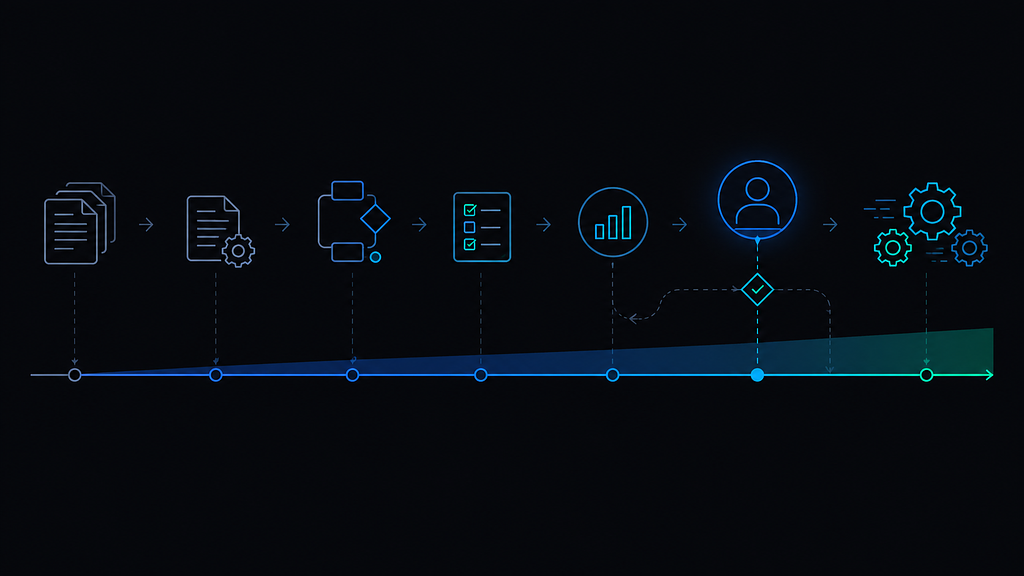
Consider an illustrative scene. By mid-morning, the document-checking flow has validated a large batch of invoices; the ones that pass every check are recorded in the ERP, with payment release following the approval defined in the process. Then an invoice arrives whose total does not match the sum of its items. The flow does not post it. It does not guess. It stops, tags the divergence and puts the case in front of a named reviewer.
That stop is not a failure. It is the design. The decision is where the flow can proceed on its own and where a person must approve, correct or stop it.
What level of automation is running
Zoom out. Teams often discuss AI as a switch, everything manual or everything automatic, and the discussion stalls because both ends are scary. The flow in the scene is not on either end. It is at a point on a scale:
flowchart TD
  N["Supplier invoice"] --> V{"Validation of fields and rules"}
  V -- match --> R1["Recorded in the ERP; payment follows the process's approval"]
  V -- diverges --> E["Tagged exception in the queue"]
  E --> H{"Named reviewer decides"}
  H -- released with correction --> R1
  H -- held --> P["Handled outside the flow"]
- Assisted manual: the person does the task and AI suggests the next action. The person always decides.
- Suggestion with review: AI prepares the output and the person checks it before moving on. In a pilot, the person checks the output before it moves on.
- Automatic with verification: the flow runs on its own when fields and rules match, and divergences go to review. The scene runs here.
- Automatic with exception: the flow runs on its own and stops for a person only when it finds a case that was not planned for.
No level is better in the abstract. The right level depends on the cost of the error, the volume, and the maturity of the process. An error in an internal report costs little. An error in a payment costs a lot, and that is why the invoice in the scene stopped.
Why the approval point sits where it sits
Placing the gate is a design decision, not a technology limit. In the scene, three checks put it there:
- Consequence: the effect that cannot be taken back easily follows an approval defined in the process. Where that gate sits depends on the ERP: if recording the invoice already creates the payment obligation, approval comes before recording; if the obligation is created at payment release, recording can be automatic. In the scene, the design picks the second.
- Reversibility: the invoices that pass the validations run on their own because a divergence is caught by validation, not by consequence.
- Volume: divergences are a minority of the flow, so reviewing them one by one may be workable if the team has capacity. If they were most of the volume, the gate would be a bottleneck and would need criteria, not a queue.
The gate also needs an owner. If no one is responsible for approving, the flow stalls. If anyone can approve, the control is lost. In the scene, one named reviewer owns the queue.
Where the exception goes next
Back to the invoice in the scene. The divergence needs a destination, and a bucket is not a destination. An exception can go to a person who decides on the spot, a review queue with a defined deadline, or a new rule, once the case repeats enough to become a pattern.
The reviewer opens the case, sees the tagged divergence and decides. Say the total is off by a real amount, not a rounding artifact: the reviewer holds the invoice, checks the source and asks for a corrected document or an authorized resolution before release, with the decision logged. If the same supplier shows the same divergence repeatedly, the recurrence calls for investigation; whoever owns the process decides whether a rule should be documented, tested and approved.
The common mistake is throwing every divergence into the same bucket and leaving someone to sort it out later. Without priority criteria, the queue grows and trust in the flow drops. Agree also on how long an exception may stay open. A case without a deadline is an error waiting to surface somewhere else.
When the flow itself has to stop
An automated flow needs a stop button. Without a stop procedure, a mismatch can keep recurring. In the document-checking flow, if the number of divergences jumps from a handful to a large share of the batch, someone can halt new checks, review the rules and inspect the already recorded cases before resuming.
Stopping is half of it. Correcting means adjusting the rule, separating pending cases from already recorded ones, and logging what changed. Without that record, the same error comes back and no one knows why.
The choice here is deliberate. We prefer a flow that stops when it is not sure over one that decides fast and moves the problem downstream. The first is slower in some cases and more dependable overall.
What to replicate from the scene
The scene earns trust for a reason, and every part of it is a decision you can copy:
- the level of automation was chosen by the cost of the error, not by the ambition of the project;
- the approval point sits where the consequence cannot be undone easily, and it has a named owner;
- each exception has a destination, a priority and a deadline;
- the flow has a stop button, and the correction is logged.
None of these controls removes the error. AI systems are not free of errors, and this design does not pretend they are. The controls define where the error gets found and who owns it.
In summary
Automation is a scale, not a switch. Before automating, record what runs on its own, who approves exceptions, and who can stop the flow. The discussion stops being whether AI replaces the process and becomes who approves what.
If you want to evaluate the right level of automation for a process in your operation, Request a diagnostic.